Last updated: June 2026

Here’s a pleasant surprise for the digitally anxious: Kenya is one of the most connected countries in Africa, and even on safari in Laikipia you’re rarely as cut off as you might fear — unless you want to be, in which case the plateau obliges beautifully too. Whether you need to stay reachable for work, want to upload your wildlife shots in real time, or simply want to know whether you can call home, this guide to mobile phones, WiFi and connectivity in Laikipia covers your options: SIM cards, eSIMs, coverage by area, lodge WiFi, and how to strike the right balance between staying in touch and switching off.
The short version: get a local SIM or eSIM for reliable, cheap data, expect good coverage around towns and central conservancies, accept that remote areas are patchy by nature, and lean on lodge WiFi for the rest. Here’s the detail.
Kenya’s Mobile Networks
Kenya has excellent mobile infrastructure for the region, dominated by Safaricom, which has the widest coverage — particularly in rural areas and along major highways — making it the default choice for safari travellers. Airtel is the main competitor, often cheaper and strong in towns and cities, though its rural reach isn’t quite as broad. For a Laikipia trip where you’ll be away from the big towns, Safaricom’s superior rural and highway coverage usually makes it the safer bet, but Airtel can be great value if you’re spending time in Nanyuki and other towns.
Getting a Local SIM Card
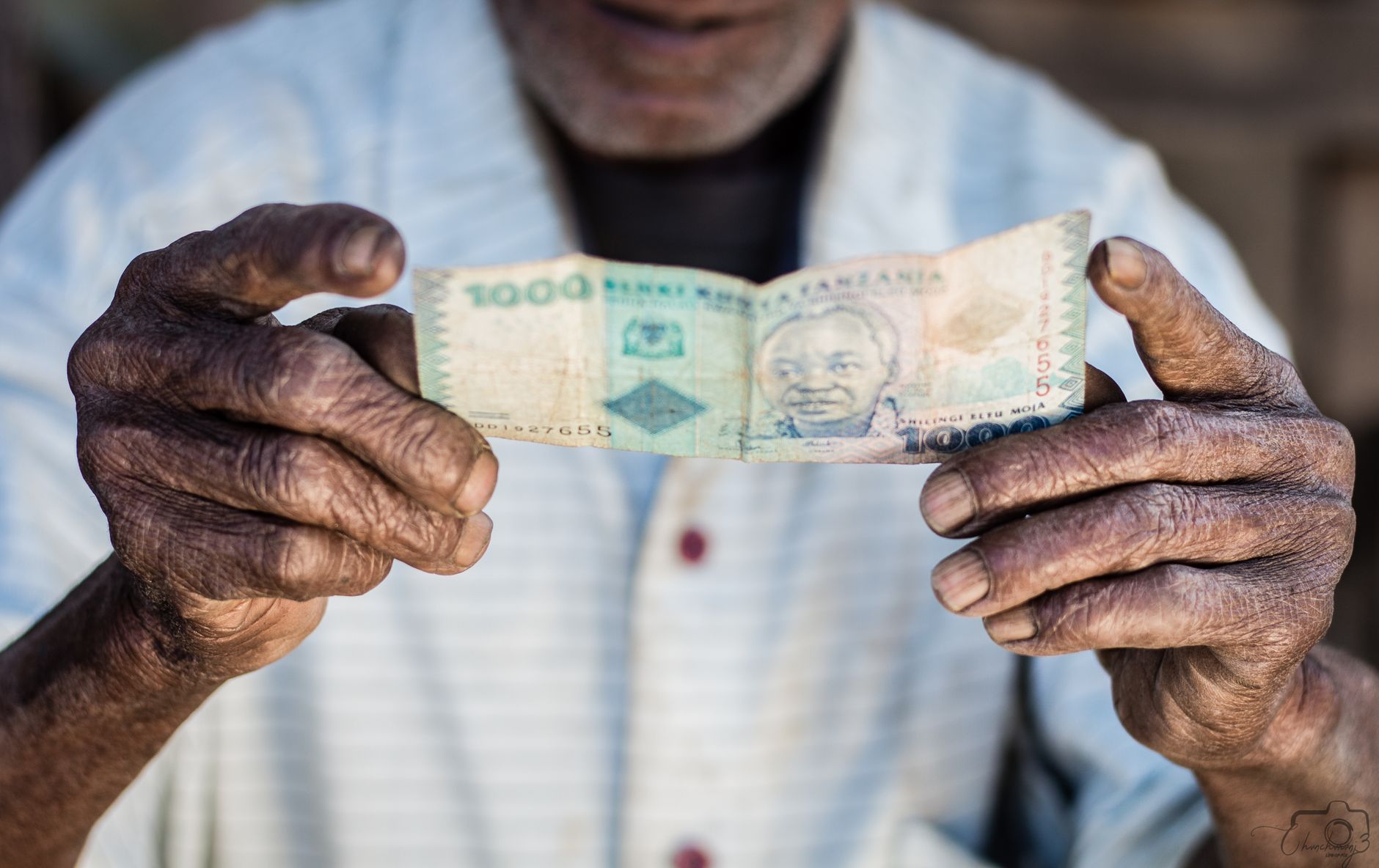
A local prepaid SIM is the cheapest, simplest way to stay connected. Tourist SIMs from Safaricom or Airtel are inexpensive — typically around 1,000 KES (very roughly US$7–10) for a starter pack with several gigabytes of data valid for about 30 days, far cheaper than international roaming. You can buy one at Jomo Kenyatta International Airport on arrival, at official shops in Nairobi and Nanyuki, or at countless agents. Bring your passport, as registration is required by law. Staff will set it up and load data for you; it’s a five-minute job and instantly transforms your connectivity and costs. A local number also lets you use M-Pesa mobile money.

The eSIM Option
If your phone supports eSIM, it’s a brilliantly convenient alternative — you buy and activate a data plan online before you even land, with no physical SIM to swap. Kenya is well served by travel eSIM providers, with plans commonly ranging from around US$8 to US$35 depending on data volume and validity. The advantages are obvious: you arrive already connected, keep your home number active for calls and texts, and avoid airport queues. The trade-offs are that eSIMs are usually data-only (no local phone number, so no M-Pesa), and you’re reliant on the provider’s chosen network. For many short-stay visitors, an eSIM is the easiest solution; for longer or more independent trips, a physical local SIM with a number wins.
Coverage Across Laikipia
Expect a gradient. In and around Nanyuki and along the main highways, coverage is good, often 4G, and you can browse, call and stream without much trouble. On the central conservancies like Ol Pejeta, signal is generally decent near lodges and main areas, fading as you go deeper into the bush. In the remote northern conservancies and wilderness areas, coverage becomes patchy to non-existent — which is part of their charm. No network guarantees full coverage in remote safari country, so plan for dead zones rather than being caught out by them. Safaricom is your best chance of a bar of signal in the more far-flung spots.
WiFi at Safari Lodges
Most lodges and camps in Laikipia offer WiFi, but manage your expectations. It’s usually available and most reliable in the main/common areas — the lounge, dining area, reception — rather than in your room or tent, and bandwidth is often modest and shared, fine for messaging, email and the odd photo upload but not for heavy streaming or large work files. Remote camps may have limited or satellite-based connections that are slower and sometimes weather-dependent. Luxury and town-adjacent properties tend to have better WiFi than far-flung bush camps. If reliable internet is essential for you, ask the specific lodge about their setup before booking; our accommodation guide can help you choose.

Staying Connected for Work
If you need to work or stay reliably reachable, a little planning goes a long way. Base yourself at a lodge with confirmed good WiFi or strong Safaricom signal (Nanyuki and central conservancies are safest), get a local SIM with a generous data bundle as your primary or backup connection, and use your phone as a mobile hotspot where coverage allows. Download anything you’ll need offline — maps, documents, entertainment — while you have signal. Carry a power bank and the right adaptor (Kenya uses UK-style three-pin plugs), since long days out mean limited charging. Manage expectations with colleagues: schedule important calls for when you’ll be at the lodge, not mid–game drive.
Charging Your Devices
Kenya uses the UK-style Type G three-pin plug at 240V, so bring a suitable adaptor (and a multi-USB charger to juice several devices from one socket). Most lodges have mains power, though some remote camps run on solar or generators with set hours and may have limited or 12V charging in rooms — ask in advance if you have a lot of camera gear. A power bank is invaluable for long days in the vehicle, keeping phones and cameras alive between charges. Charge everything overnight whenever mains power is available.
The Case for Switching Off
Here’s a gentle counterpoint: the patchy connectivity of the remote conservancies is, for many travellers, a feature rather than a bug. There’s something genuinely restorative about days unmeasured by notifications, where your attention belongs to the landscape and the wildlife rather than a screen — a theme we explore in our guide to wellness in Laikipia. If you can, consider leaning into the disconnection: set an out-of-office, tell people you’ll be off-grid, and let the plateau work its quiet magic. You can always catch up on WiFi at the lodge in the evening. Many people find the digital detox the most unexpectedly valuable part of their trip.
Connectivity Tips
Get a Safaricom SIM or eSIM for the best rural coverage and cheap data; bring your passport for SIM registration.
Download maps and essentials offline before heading into low-coverage areas.
Expect WiFi mainly in lodge common areas, modest in speed — ask remote camps about their setup before booking.
Carry a power bank and a UK-style adaptor for long days out and limited room charging.
Consider switching off in the remote conservancies — the disconnection is often a highlight.
Roaming, Local SIM or eSIM: Which to Choose?
Three options, three different travellers. International roaming is the most convenient — your phone just works on arrival — but usually the most expensive, suited only to those who’ll use little data or whose home plan includes generous roaming. A local SIM is cheapest for data and gives you a Kenyan number (and access to M-Pesa), ideal for longer or independent trips, at the cost of swapping SIMs and registering with your passport. An eSIM is the sweet spot for many short-stay visitors: buy and activate before you land, keep your home number for calls, and avoid airport queues, though it’s typically data-only.
For most safari visitors, a local Safaricom SIM or a Kenyan eSIM is the sensible choice over costly roaming. Decide based on trip length, whether you want a local number, and whether your phone supports eSIM.
Connectivity Conservancy by Conservancy
Coverage really does vary across the plateau, so set expectations by where you’re staying. Central, accessible conservancies like Ol Pejeta and areas near Nanyuki generally have decent mobile signal and reasonable lodge WiFi. As you move to larger or more remote conservancies, signal becomes patchier — often available near the lodge but absent out in the bush. In the far northern wilderness, expect little to no mobile coverage and only limited, sometimes satellite-based, lodge connectivity. If staying connected is essential, factor coverage into your choice of lodge and ask the property directly before booking.
Safaricom gives you the best odds of a signal in far-flung spots, which is why it’s the default recommendation for safari travellers heading beyond the central plateau.
Apps to Download Before You Go
A little preparation while you still have good WiFi pays off. Download offline maps of the region so navigation works without signal — invaluable for self-drivers. Save offline entertainment (podcasts, music, books, downloaded shows) for long transfers and quiet camp evenings. A good torch app, a currency converter, a wildlife or bird ID app, and your airline and lodge confirmations saved offline all earn their place. If you’ll use M-Pesa, set it up early. And keep digital copies of your passport, eTA and insurance accessible offline.
The principle is simple: assume you’ll have dead zones, and front-load anything you’ll want to access without signal before you head into the bush.
Power and Charging in Remote Camps
Connectivity is only useful if your devices are charged, and power can be limited in the bush. Most lodges have mains electricity (UK-style three-pin plugs, 240V — bring an adaptor), but some remote camps run on solar or generators with set hours, and charging may be in the main area rather than your tent, sometimes at 12V. Ask in advance if you have a lot of camera gear. A power bank is invaluable for keeping phones and cameras alive through long days out, and a multi-USB charger lets you revive several devices from one socket. Charge everything overnight whenever mains power is available.
For photographers especially, spare batteries plus a power bank are the difference between capturing the golden-hour sighting and watching it through a dead viewfinder.
Staying Reachable in an Emergency
Even if you plan to switch off, make sure you can be reached and can reach help if needed. Share your itinerary and lodge contact details with family at home, note your lodge’s and operator’s phone numbers, and keep your insurance emergency assistance line saved offline. Lodges always have a way to contact the outside world — by phone, radio or satellite — even where guest WiFi is patchy, so in a genuine emergency you’re never truly cut off. Knowing this lets you relax into the disconnection rather than worrying about it.
For families, agreeing a simple check-in rhythm with relatives at home — a message each evening from the lodge WiFi, say — keeps everyone comfortable without tethering you to your phone all day.
Sharing Your Safari (Or Not)
Many travellers love to share photos as they go, and where signal and lodge WiFi allow, you can — though uploading large galleries of high-resolution wildlife shots may be slow on modest bush bandwidth. A gentle suggestion: consider saving the big upload for when you’re back in Nanyuki or Nairobi, and letting the safari itself have your full attention in the moment. Some of the most cherished memories come from the drives where nobody reached for a phone at all.
Whether you document everything or deliberately unplug, the plateau accommodates both — reliable enough to share when you want to, remote enough to disconnect when you’d rather, which is exactly the balance most travellers come to appreciate.
Setting Expectations Before You Go
The single best thing you can do about connectivity is to set your own expectations honestly before you travel. If you’ve chosen a remote northern camp for its wilderness, accept that signal and WiFi will be limited — that’s the trade-off for the seclusion, and fighting it only breeds frustration. If you genuinely need to stay connected, choose a central, well-connected lodge near Nanyuki or on Ol Pejeta, and confirm the specifics with the property in advance. Matching your accommodation to your connectivity needs is far more effective than hoping for signal where there is none.
Tell colleagues, family and anyone who relies on you what to expect, too. A simple “I’ll be largely off-grid, checking messages each evening when I can” heads off worry at home and pressure from work, and frees you to be present on safari rather than anxiously refreshing a signal bar.
Connectivity for Families
Families have their own connectivity calculus. On the practical side, downloaded entertainment — films, games, audiobooks — is a lifesaver for children on long transfers and in the quiet hours between drives, so load up devices while you have good WiFi. On the principled side, a safari is a wonderful chance for kids to look up from screens and into the bush, and many parents find the patchy coverage a welcome, natural limit. Agreeing some screen-light hours and channelling children’s energy into wildlife spotting, a junior ranger-style checklist or photography keeps everyone happy.
For staying in touch with relatives at home, a short evening check-in from the lodge WiFi usually does the job. Keep the lodge and operator contact numbers handy so family can reach you in a genuine emergency even when your own phone has no signal.
A Balanced Approach to Being Online
The happiest medium, for most travellers, is to be reachable without being tethered. Get a local SIM or eSIM so you can connect when you want to — to check in, share a photo, handle something urgent — but then choose, deliberately, to put the phone away during drives, walks and meals. The wildlife doesn’t perform on a schedule, and the best sightings reward those who are watching rather than scrolling. Save the uploads and catch-ups for the evening, when you’re back at camp with a drink and the day’s photos to enjoy.
Handled this way, connectivity becomes a tool you control rather than a leash. You get the reassurance of being contactable and the restoration of genuine presence — the balance that, more than any data plan, makes a Laikipia trip feel like the escape it should be.
Frequently Asked Questions
Is there WiFi in Laikipia safari lodges?
Most lodges offer WiFi, usually best in the main/common areas rather than rooms, with modest, shared bandwidth suited to messaging, email and light browsing. Remote camps may have limited or satellite connections. If reliable internet matters to you, confirm the specific lodge’s setup before booking.
What is the best SIM card for tourists in Kenya?
Safaricom is the top choice for safari travellers thanks to the widest rural and highway coverage. Airtel is a cheaper option that’s strong in towns. A tourist SIM costs roughly 1,000 KES for a starter data bundle; bring your passport, as registration is required.
Does my phone work in Laikipia?
Yes, with coverage that’s good around Nanyuki and central conservancies and patchy to absent in remote areas. International roaming works but is expensive; a local SIM or eSIM is far cheaper. Safaricom gives the best chance of signal in far-flung spots.
Can I use an eSIM in Kenya?
Yes, if your phone supports eSIM. You can buy and activate a Kenyan travel eSIM online before arrival, with plans roughly US$8–35 depending on data. It’s convenient and keeps your home number active, but it’s usually data-only (no local number or M-Pesa).
How do I charge devices on safari?
Kenya uses UK-style three-pin plugs at 240V, so bring an adaptor. Most lodges have mains power, though some remote camps use solar or generators with limited charging hours. A power bank is invaluable for long days out; charge everything overnight when you can.
Connectivity sorted — that completes your travel logistics. Pull it all together with the complete Laikipia travel planning guide and the complete guide to Laikipia Kenya.